REGI / Precision printing spare parts
DTF Printer
Printheads.
XP600, 4720 and I3200 — select the correct replacement for your printer, ink chemistry and control system.
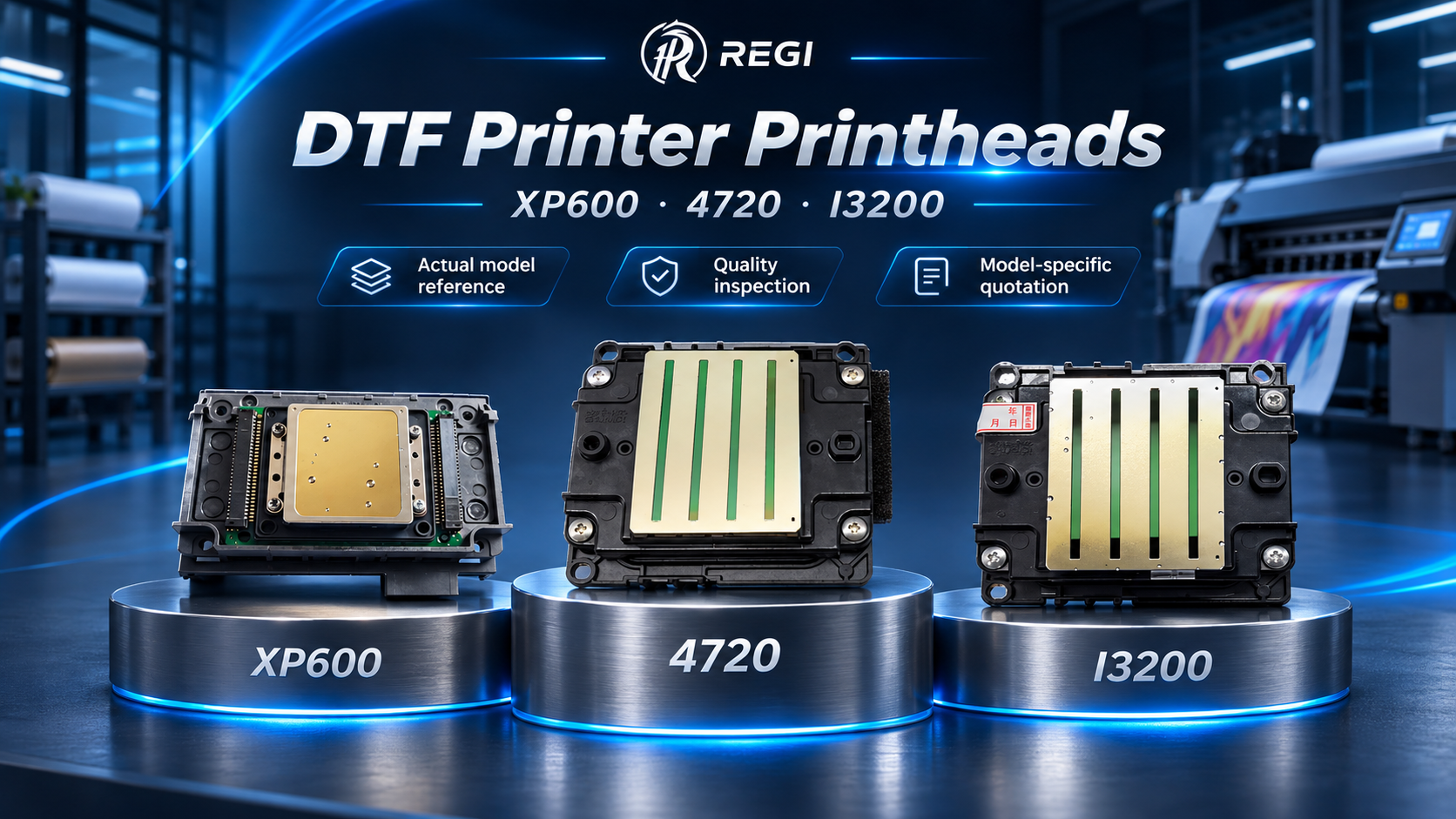
Digital equipment overview · confirm the exact printhead model before ordering.
01 / Model range
Identify the correct printhead.
Compare printhead families and confirm the exact part number before ordering.
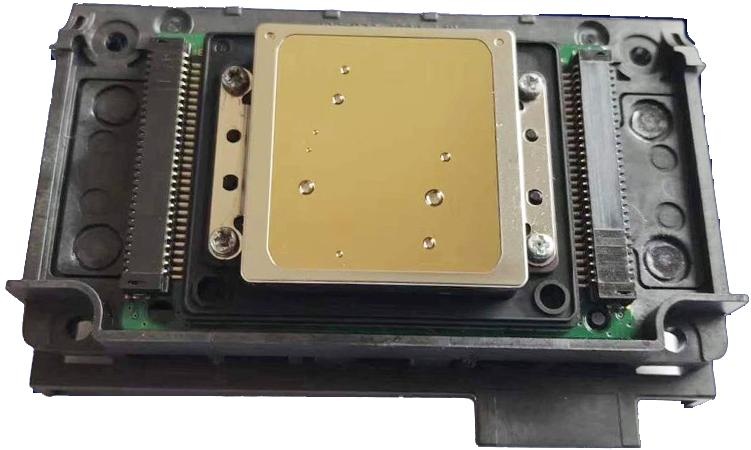
XP600 / New reference
XP600
Confirm part number, compatible ink and machine electronics before ordering.
Enquire about this option →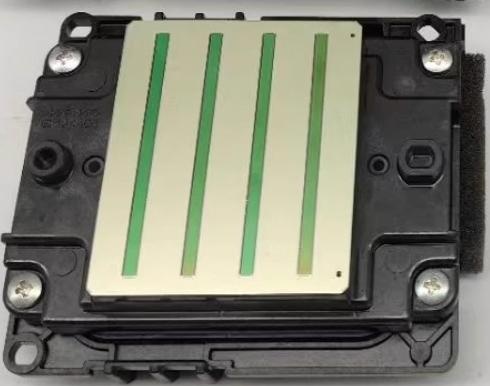
4720 / Condition options
4720
New and second-hand units are listed separately; confirm the condition and acceptance requirements.
Enquire about this option →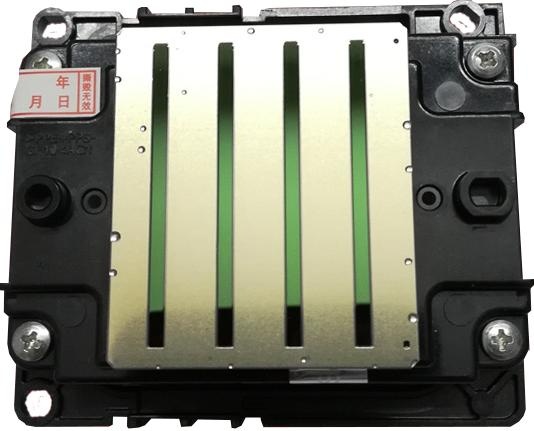
I3200 / New reference
I3200
Confirm the exact variant, ink compatibility and printer configuration.
Enquire about this option →02 / Procurement reference
Model comparison & specification checks.
Printhead families are not automatically interchangeable. Send the original part label and machine details for confirmation.
| Family | Reference condition | Confirm before ordering |
|---|---|---|
| XP600 | New | Part number, ink chemistry, cable and printer compatibility |
| 4720 | New / second-hand | Condition, exact version and acceptance criteria |
| I3200 | New | Exact variant, ink type and control board support |
| Nozzle cover | Separate enquiry | Matching head type and dimensions |
03 / Equipment compatibility
From printhead to complete ink system.
Every replacement must match the installed machine and its approved ink delivery system.

Installation & care
- Use a qualified technician and manufacturer-approved installation instructions.
- Protect the fragile nozzle plate from contact and collisions.
- Confirm cable orientation and connector condition with power isolated.
- Use only approved cleaning and preservation procedures.
04 / Ordering workflow
Match. Confirm. Quote.
Reduce the risk of ordering the wrong replacement by supplying the identification details first.
Identify the original head
Provide a clear photo of the original label and your printer brand and model.
Confirm the configuration
Specify ink chemistry, desired condition, quantity and any available part number.
Review the quotation
Confirm availability, packing, destination, acceptance and warranty terms before purchase.
05 / Technical questions
Printhead buyer FAQ.
Frequently asked questions for commercial buyers.
Can I replace an XP600 with an I3200?
Do not assume interchangeability. Confirm the printer’s hardware, control board and software requirements with the machine manufacturer.
Are the 4720 units new?
The reference range includes new and second-hand 4720 enquiries. The condition must be confirmed in the quotation.
Do you supply protective covers?
Nozzle cover enquiries are available; confirm the head model and compatible cover before ordering.
What about installation and warranty?
Use a qualified technician and confirm model-specific installation, acceptance and warranty terms in writing before purchase.
RELATED / COMPLETE PRINTING SYSTEMS
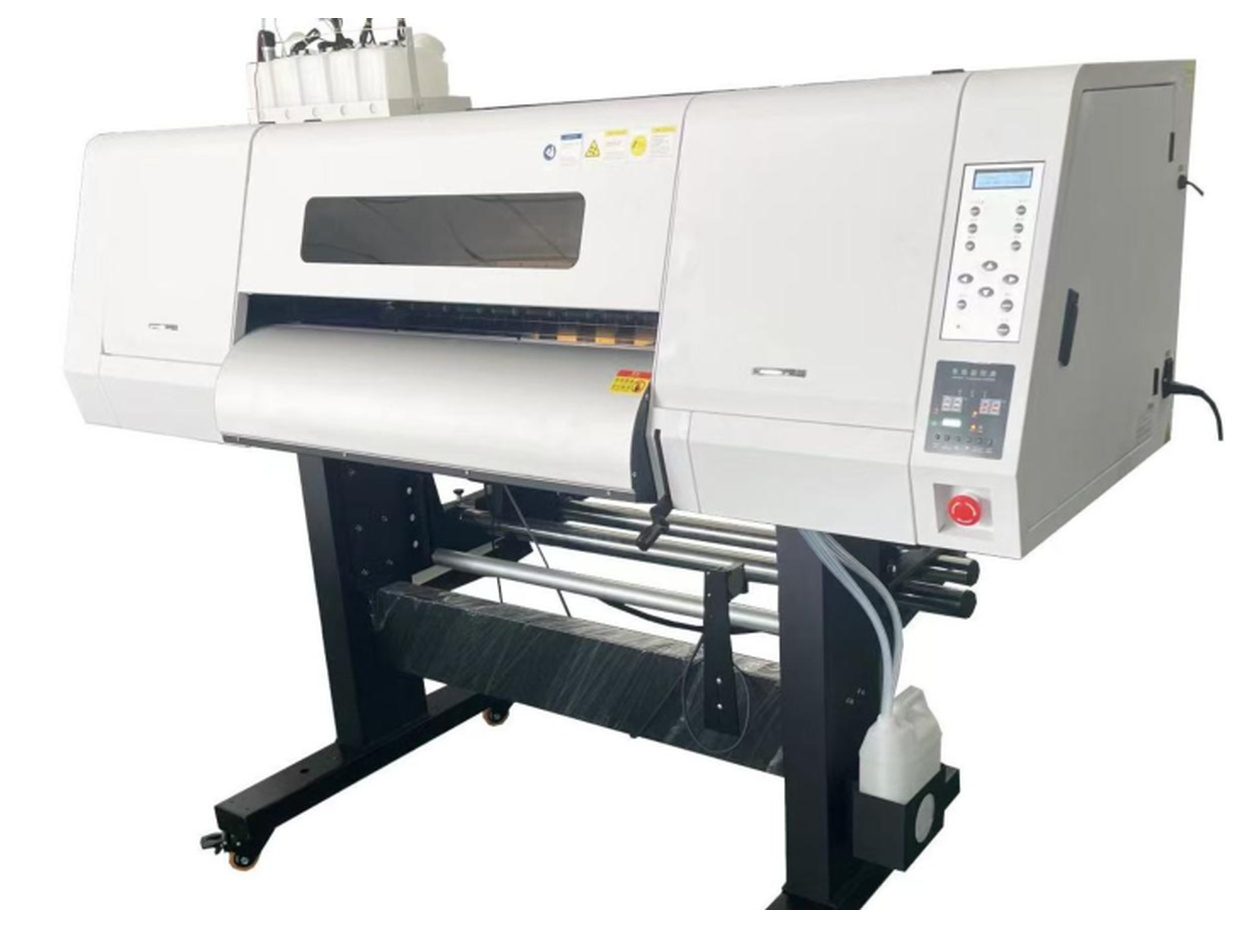
Looking for a complete DTF printer?
Printheads are only one part of the production setup. Explore complete printer systems, matched powder shakers and fume purifiers.


REGI / Direct product enquiry
Need a compatible replacement printhead?
Send your printer model, exact printhead label, required quantity and destination.